How to improve your router's security in 10 minutes
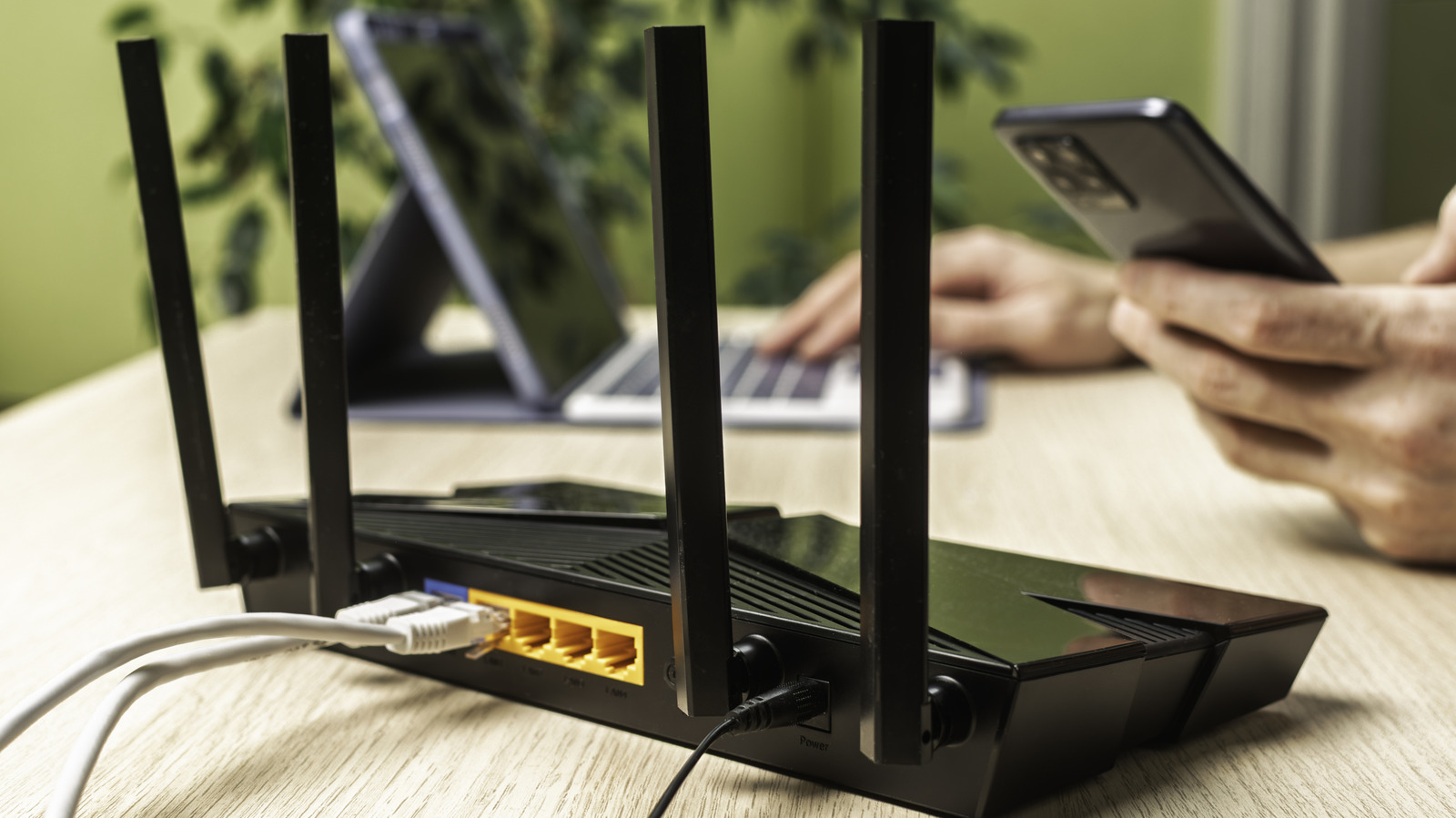
The phrase “features nobody remembers enabling” is where most home networks actually die. I’ve lost count of how many routers sit with remote management switched on, or with the default admin password still doing the heavy lifting, simply because the setup wizard never made a fuss about it. So the article’s argument lands: the biggest wins in router security are boring, ten-minute chores, not a $300 mesh upgrade.
Firmware updates matter because the router is the one device most people never patch. Changing credentials closes the easiest door. Disabling remote management keeps strangers out of the control panel. These steps are quick and measurable, and the article is right not to dress them up as anything more.
If I have a quibble, it’s that the burden keeps falling on the user. I’d want manufacturers to ship with secure defaults, forced password changes, and automatic updates. Until then, spending ten minutes every few months is a cheap habit, and this guide makes a good case for it.