Are you using the right Ethernet port on your router? Here's how to know
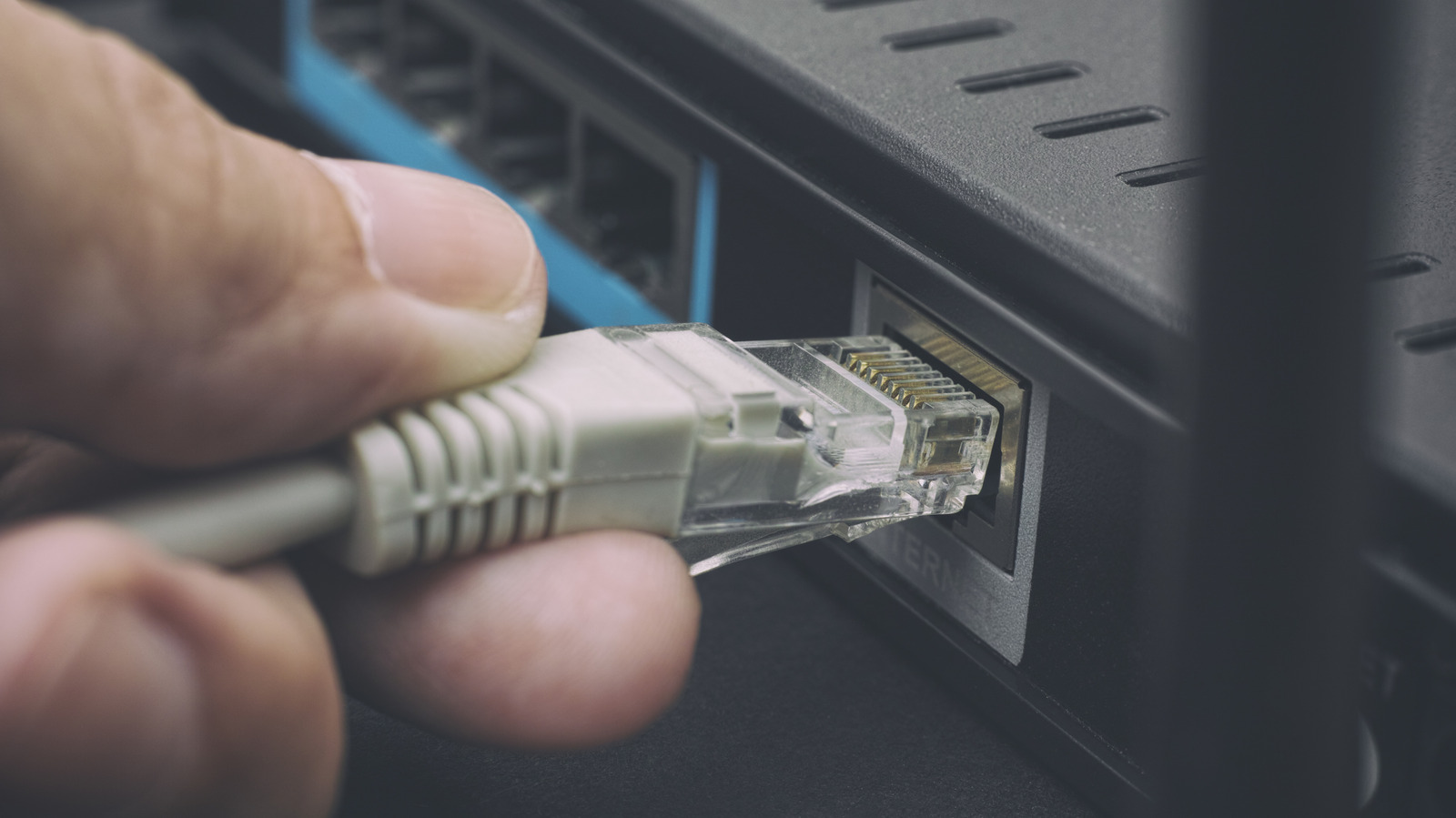
Blame the ISP first, that's the instinct. But the number of times a slowdown traces back to a cable plugged into the wrong port on the router has to be embarrassingly high. I've done it myself, assuming any LAN port is as good as another, then spending an hour power-cycling the modem.
The Engadget guide is right that this is usually a matter of reading labels. If you've got a router with a 2.5GbE port and you're plugging your PC into a 1GbE one, you're leaving speed on the table. For gaming traffic or a dedicated WAN connection, the port choice can completely change your experience.
What I'd want to know is how widespread this is beyond the premium hardware. On a standard-issue ISP router, it's likely all ports are the same. But as multi-gig internet becomes more common, the distinction matters. A small habit, checking the manual or the print on the chassis, saves you from inventing problems that don't exist. It's the kind of practical knowledge that keeps you from becoming your own support chain's hardest case.