Here's how to format a USB drive on Windows
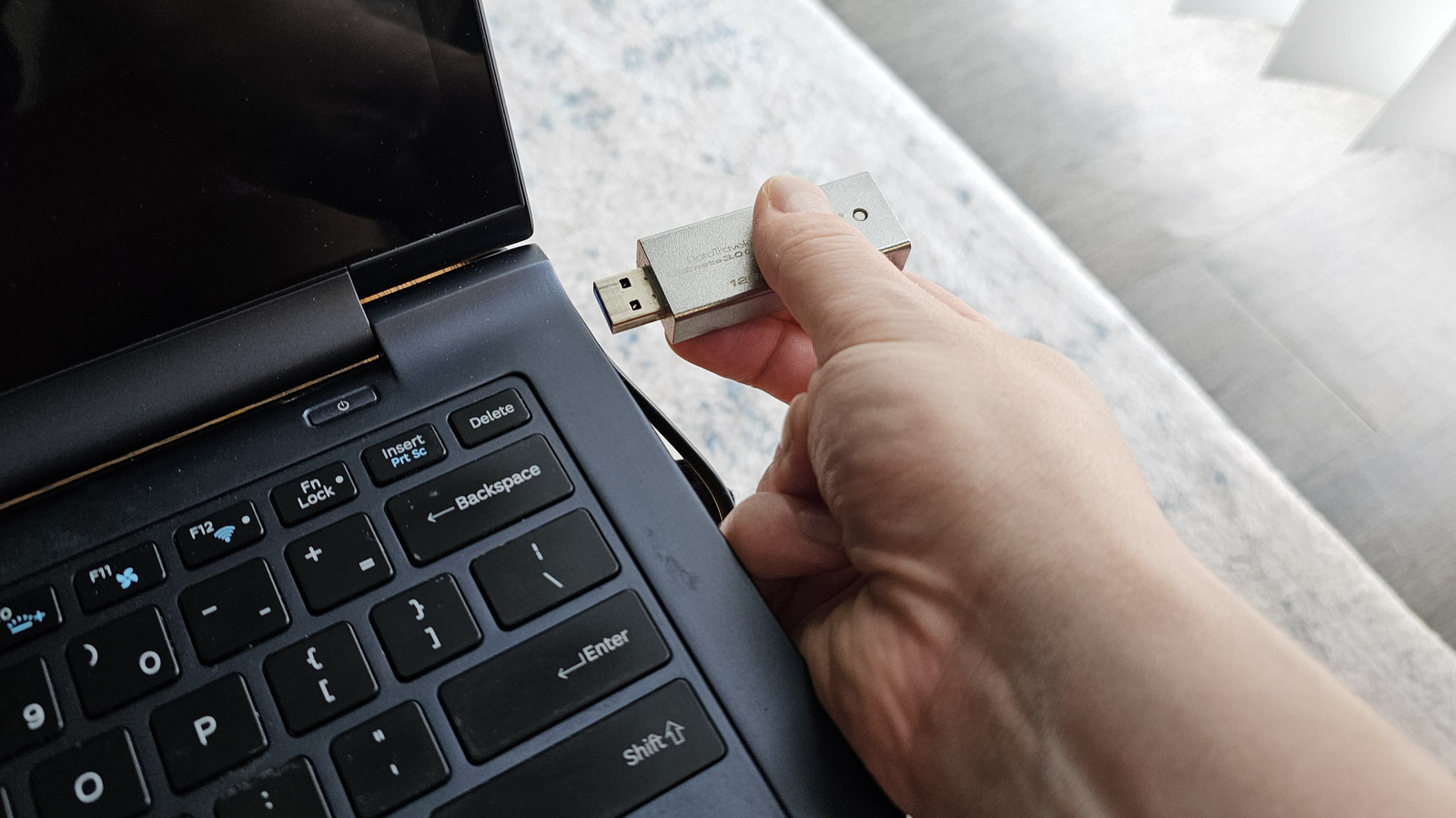
Formatting a USB drive seems like a mundane chore, but it's actually a quiet act of destruction and creation. The Engadget guide demystifies the process, yet beneath the surface lies a deeper lesson: every format is a negotiation with a filesystem—FAT32 for compatibility, NTFS for stability—and choosing wrong means your data may never whisper back. It's a reminder that the digital world runs on invisible standards we rarely question.
This story matters because it anchors us to the physical layer of tech. As we drift toward cloud storage, the humble USB stick feels like a fossil, but its persistence is telling. Formatting remains a survival skill, a bulwark against corruption, and a cheap lesson in data resilience. It connects to larger debates about data permanence and the tension between convenience and control.
So next time you right-click that tiny drive and hit "Format," understand you're performing a small exorcism. No undo, no recycle bin, just a clean slate. That's the closest we get to a second chance in the digital age—and the most dangerous click you'll make all day.