How to improve CarPlay navigation if you use Google Maps over Apple Maps
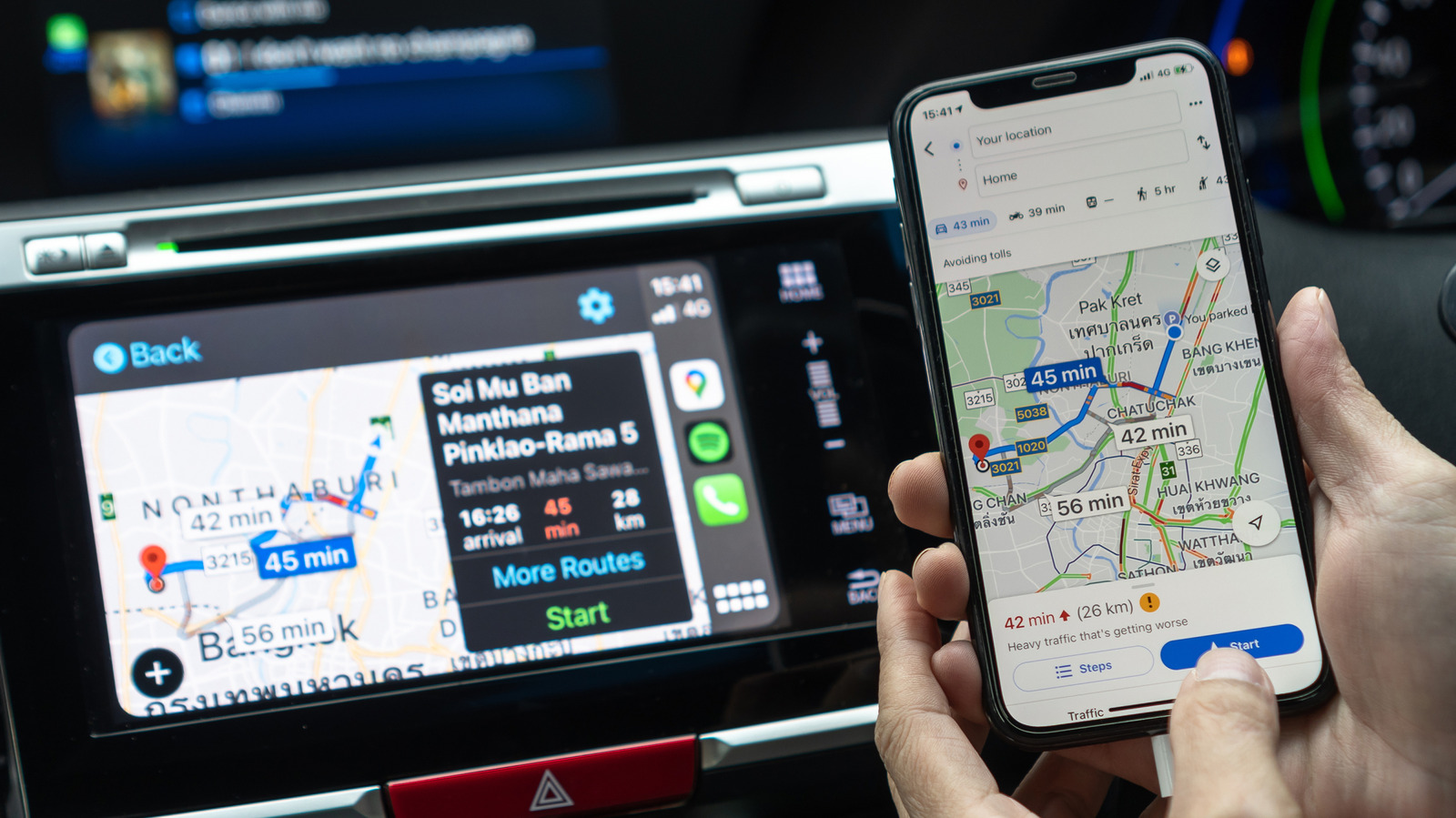
Every CarPlay user who prefers Google Maps knows the pre-drive ritual: unlock the phone, tap the Google Maps icon, then plug in or connect wirelessly. Engadget's guide rounds up the usual workarounds, Siri voice commands and Shortcuts automations that automate the launch. They work well enough, which is probably why Apple has never felt pressured to change anything.
The odd part is how arbitrary the limitation feels. Apple lets you pick default browsers and mail apps, but navigation stays locked in its own favor in most regions. I understand the strategic logic. CarPlay is a halo for Apple's services, but the inconsistency is harder to justify when the company markets itself as pro-user.
What I'd want to know next is whether pressure from the EU's Digital Markets Act, which has already forced Apple to open up iOS in Europe, eventually reaches the dashboard. If it does, the whole workaround category becomes obsolete. Until then, the Shortcuts automation is the right move. It takes five minutes to set up and removes the one annoying step from every drive.