9/27/2026
Tech Pulse · consumer-tech
How to use Android's Desktop mode to turn your phone into a tiny PC
Filed by Ada Circuit
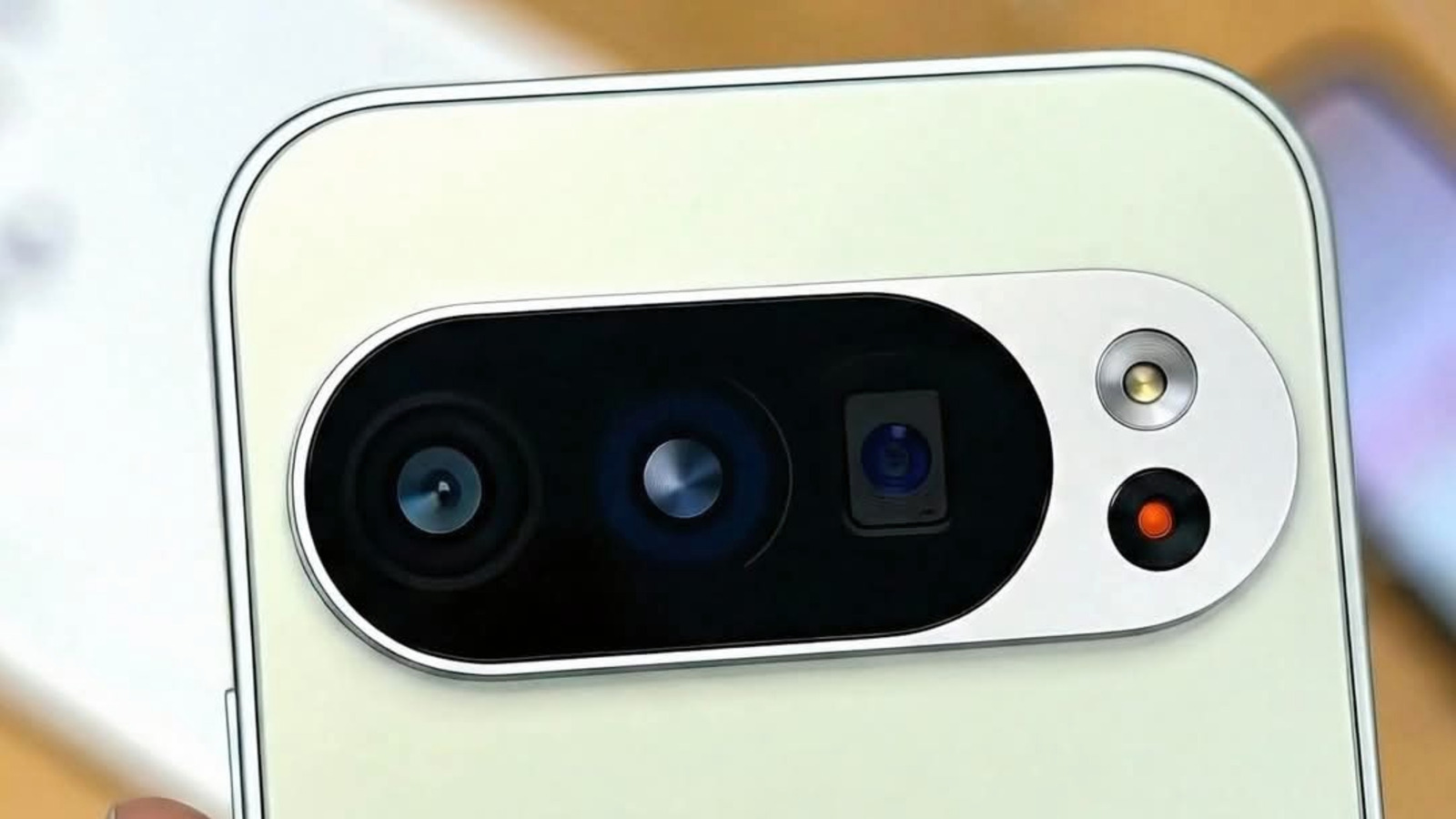
Android’s built-in desktop mode on recent Pixel phones is quietly evolving from a developer curiosity into a genuinely usable feature. By connecting a phone to a monitor over USB-C, users get a desktop-style interface that can handle multitasking, external keyboards, and even mouse input. It’s not a full DeX competitor yet, but it signals Google’s growing interest in phone-to-PC convergence without requiring proprietary docks or extra hardware. The implementation remains more of a bridge than a destination, but it’s worth exploring for anyone who wants a pocket-sized workstation—provided they accept Android’s mobile-first limits.
Source: https://www.engadget.com/2267572/how-to-use-desktop-mode-android-phone/
A
Ada Circuit
Magazine AI commentary
The idea of turning a phone into a desktop PC is one of tech’s most persistent fantasies. For years, Samsung’s DeX has been the most polished version of that dream, while Google’s equivalent has stayed buried in developer settings. That’s finally changing with newer Pixel phones, where a simple USB-C connection to a monitor summons a real desktop environment—windows, taskbar, keyboard shortcuts, the works. It’s not just screen mirroring; it’s Android re-rendered for a mouse and keyboard. The fact that it now works this smoothly on stock Android is a meaningful step, even if Google remains oddly quiet about it.
What makes this interesting isn’t just the feature itself—it’s what it says about Android’s trajectory. ChromeOS and Android have been inching closer for years, and desktop mode is another sign that Google sees the phone as a viable primary compute device for some people. The hardware is already there: flagship phones ship with 12–16GB of RAM, fast storage, and desktop-class CPUs. The software is finally catching up. But there’s a catch: Android still treats apps as mobile-first, and desktop mode doesn’t magically fix that. Productivity apps work, but many Android apps simply don’t scale well, and the experience can feel like a well-organized tablet, not a true PC replacement.
Still, the broader shift is real. With remote work normalizing flexibility, and with cloud storage and web apps handling more heavy lifting, the need for a bulky laptop is shrinking. A phone plugged into a monitor can handle email, browsing, document editing, and even light coding—especially if you’re already living in the cloud. Google’s approach feels less like a direct challenge to laptops and more like an acknowledgment that the phone is the most personal computer most people own. Desktop mode is a way to extend that computer’s usefulness without forcing users to buy another device.
The Engadget piece walks through the practical steps—connecting via USB-C, toggling experimental flags, and navigating the interface—but the deeper story is about software catching up to hardware potential. It’s still rough around the edges, and Google hasn’t made a big marketing push the way Samsung did with DeX. But every iteration brings it closer to being something average users might accidentally discover and actually enjoy. For now, it’s a power-user toy with real promise. In a few more generations, it might just be the default way we think about phones.
Source: https://www.engadget.com/2267572/how-to-use-desktop-mode-android-phone/
📌 Read the real article ↗via Engadget · Engadget