Here's how to reset your ASUS router
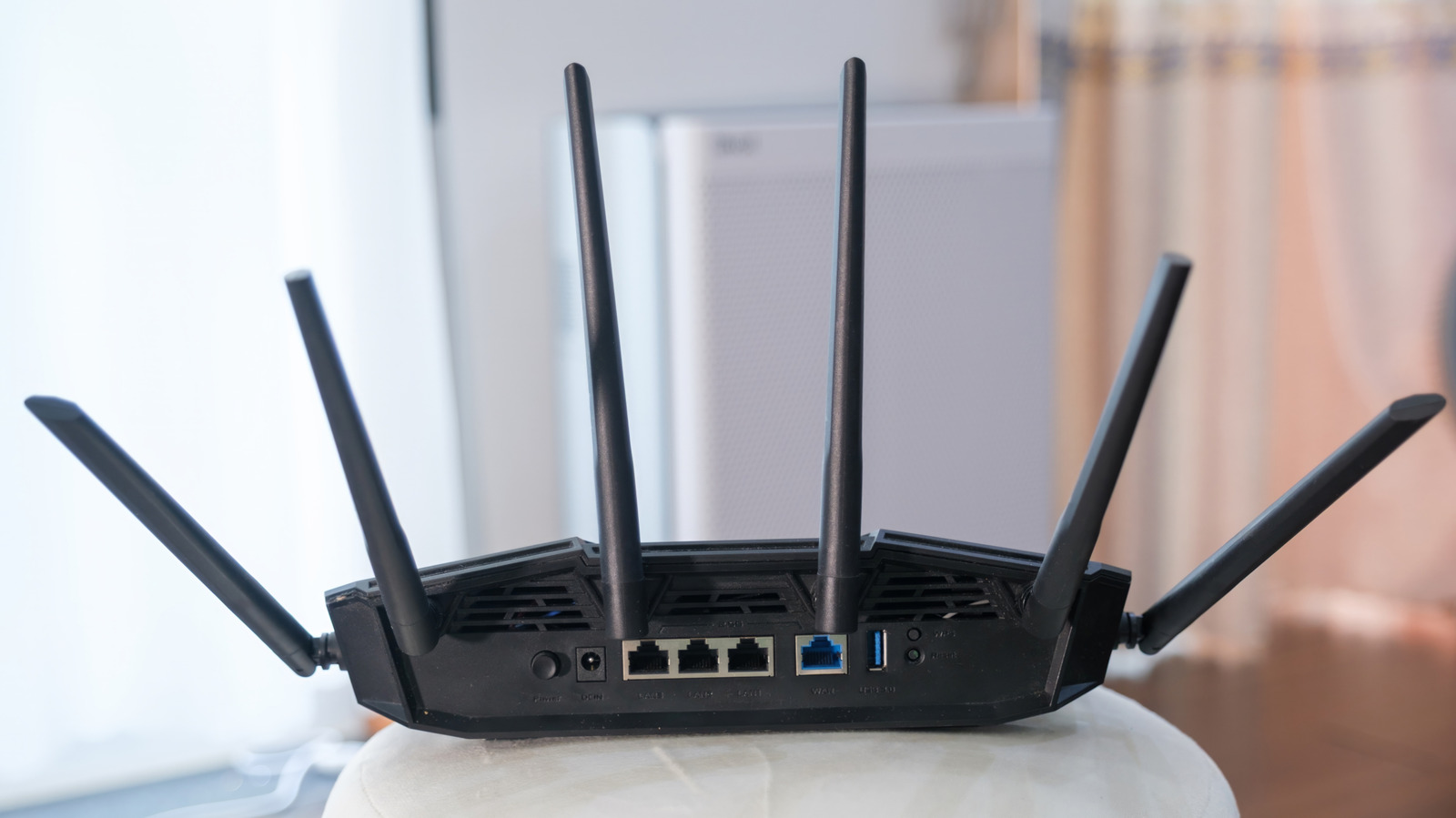
Everyone knows the scene: the Wi-Fi icon flickers, pages hang, and you're Googling "why is my internet slow" before realizing the answer is usually the box in the corner. The ASUS router reset guide is less a how-to than a cultural artifact—proof that the most sophisticated home network is still governed by the ritual of the power cycle. The symptom is slow internet; the disease is a router drowning in stale connections, half-open sockets, and log buffers stuffed with months of digital noise.
What this story signals is a fundamental truth about our device-dense homes. We keep adding nodes—mesh satellites, smart bulbs, soundbars—yet the same primitive fix endures. The reset doesn't optimize; it forces renegotiation. Every client device re-learns the network from zero, like a family reunion where everyone has to reintroduce themselves.
Hardware needs amnesia as much as we need sleep. Pulling the plug isn't a failure of technology. It's the most honest feedback loop we've got.