Does your Android Auto keep lowering the volume? This might be why
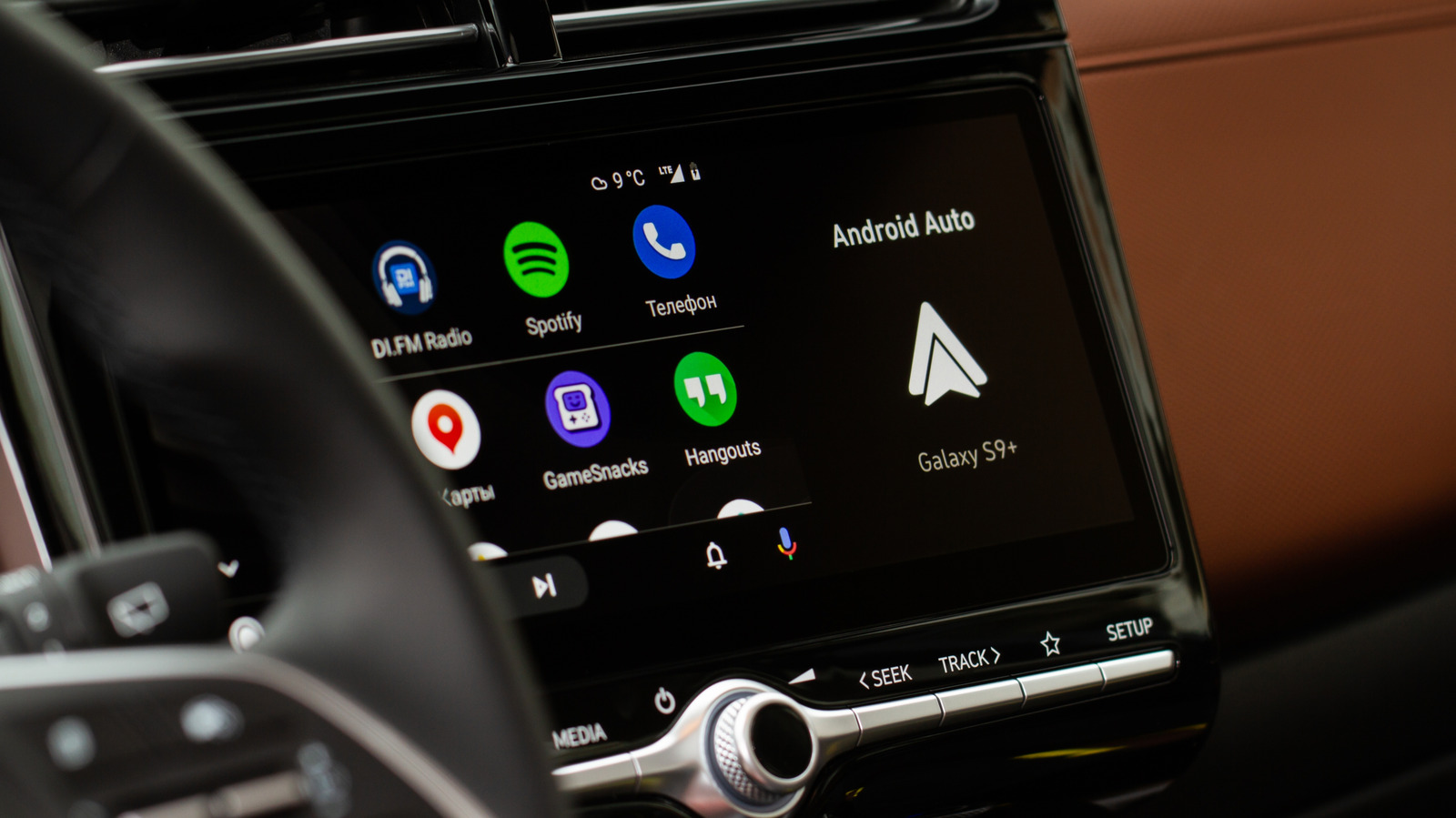
Audio ducking is one of those features that feels like a bug until you realize it's a safety net. In the context of Android Auto, the volume drop isn't random—it's a deliberate design choice rooted in the fundamental principle of minimizing driver distraction. When a navigation command or an incoming call notification arrives, the system knows that missing that audio cue could have real consequences. So it temporarily fades your music, not to annoy you, but to ensure the critical information cuts through the noise.
That said, the implementation isn't always elegant. Many users report that even non-critical notifications—like a text message preview or a low-battery warning—trigger the ducking, which can feel overly aggressive. The problem is that Android Auto often can't distinguish between a "check your tire pressure" alert and a "turn left in 200 meters" command. Both get the same treatment, leading to frequent interruptions during a long playlist. It's a trade-off: safety and awareness versus seamless entertainment.
The real insight here is that audio ducking is a microcosm of the broader challenge in automotive UX design. As cars become more connected, the software must balance multiple information streams without overwhelming the driver. Android Auto's approach is to prioritize audio hierarchy, but it's a blunt instrument. Ideally, future versions will offer more granular controls—letting users choose which apps can duck, or setting a minimum volume threshold for non-critical alerts. Until then, the occasional volume dip is a small price to pay for not missing that crucial turn or emergency alert. The feature isn't broken; it's just doing its job, albeit with a heavy hand.