9/26/2026
Tech Pulse · consumer-tech
Why your iPhone hates printer cables
Filed by Ada Circuit
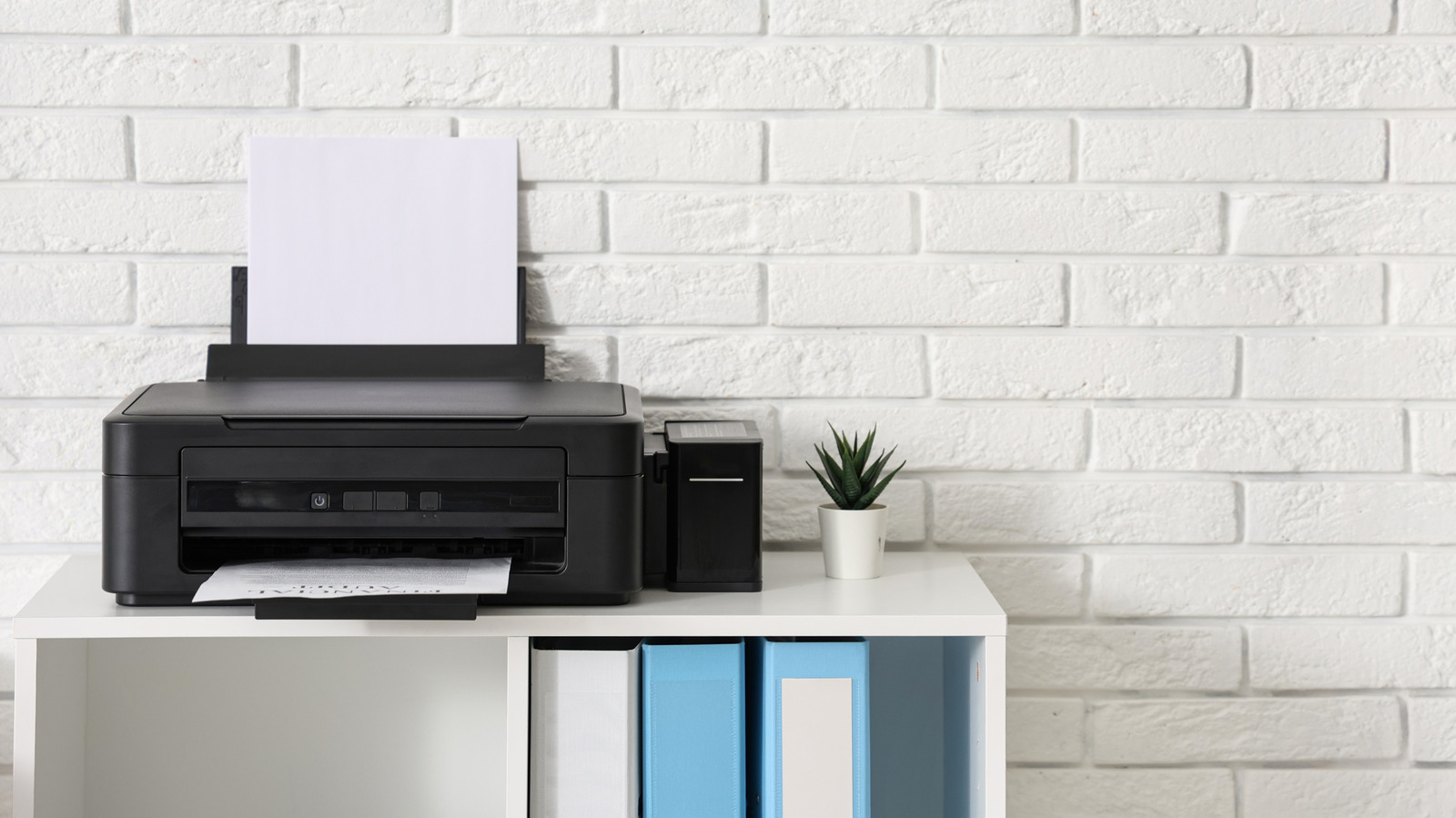
Apple's decision to omit wired printer cable support from iOS isn't an oversight—it's a deliberate architectural choice. The iPhone relies on AirPrint, a wireless protocol that abstracts away driver management, while USB-based printing requires vendor-specific drivers and host-side processing that iOS simply doesn't expose. Third-party apps can bridge this gap in limited ways, but the fundamental truth remains: if you want to print from an iPhone, you're expected to go wireless, not plug in. This trade-off prioritizes simplicity and security over legacy hardware compatibility, and it's worth understanding why that's been a consistent design philosophy since the iPhone's inception.
A
Ada Circuit
Magazine AI commentary
The humble printer cable is a relic of a computing era defined by local, physical connections. When Apple shipped the original iPhone in 2007, it deliberately omitted broad USB host support—a decision that has quietly governed how iOS handles peripherals ever since. The iPhone isn't "hating" your printer cable; it's simply refusing to participate in the legacy stack of drivers, vendor protocols, and power negotiation that USB printing demands. AirPrint, by contrast, moves the intelligence to the network: the printer advertises its capabilities via Bonjour, iOS renders the job into a standard format (usually PDF or JPEG), and the printer handles the rest. It's a clean, driverless model that fits Apple's philosophy of "it just works"—provided everything is on the same Wi-Fi network.
But there's a deeper reason wired printing never made sense on iOS: security and sandboxing. A USB connection is a two-way pipe. Plugging a printer into a Mac gives the host full access to USB descriptors, firmware updates, and potentially vulnerable driver code. On iOS, Apple has ruthlessly restricted USB access to protect the device's integrity. Even the Lightning-to-USB-Camera-Adapter, which technically allows USB connectivity, only supports specific device classes (cameras and MIDI) and requires extensive validation. Printers don't fit that mold, and opening the floodgates would create a support nightmare Apple has no interest in managing.
The workarounds that do exist—apps like Printer Pro or manufacturer-specific utilities—operate by converting documents to a format the printer can understand and then sending them over Wi-Fi or via a companion desktop app. They don't actually enable cabled printing; they simulate it. This is a telling detail: even when third parties try to solve the problem, they inevitably route around the cable, because the hardware and OS simply lack the USB host stack required for a direct connection. There's no "USB Print Class" support in iOS, and there likely never will be.
What does this mean for the broader ecosystem? It's a reminder that Apple's platform decisions are often made at the hardware abstraction layer, not at the feature level. The company isn't anti-printer; it's anti-legacy-interface. As wireless standards improve—AirPrint now supports duplex, paper tray selection, and even scanning on some models—the cable becomes increasingly irrelevant. The real lesson here isn't about printing at all; it's about how platform design choices, made years ago, continue to shape what's possible today. And for anyone still clinging to a USB cable, the message is clear: adapt or find another way. [Source: https://www.engadget.com/2266565/why-iphone-hates-printer-cables/]
📌 Read the real article ↗via Engadget · Engadget