How to use Claude's voice mode
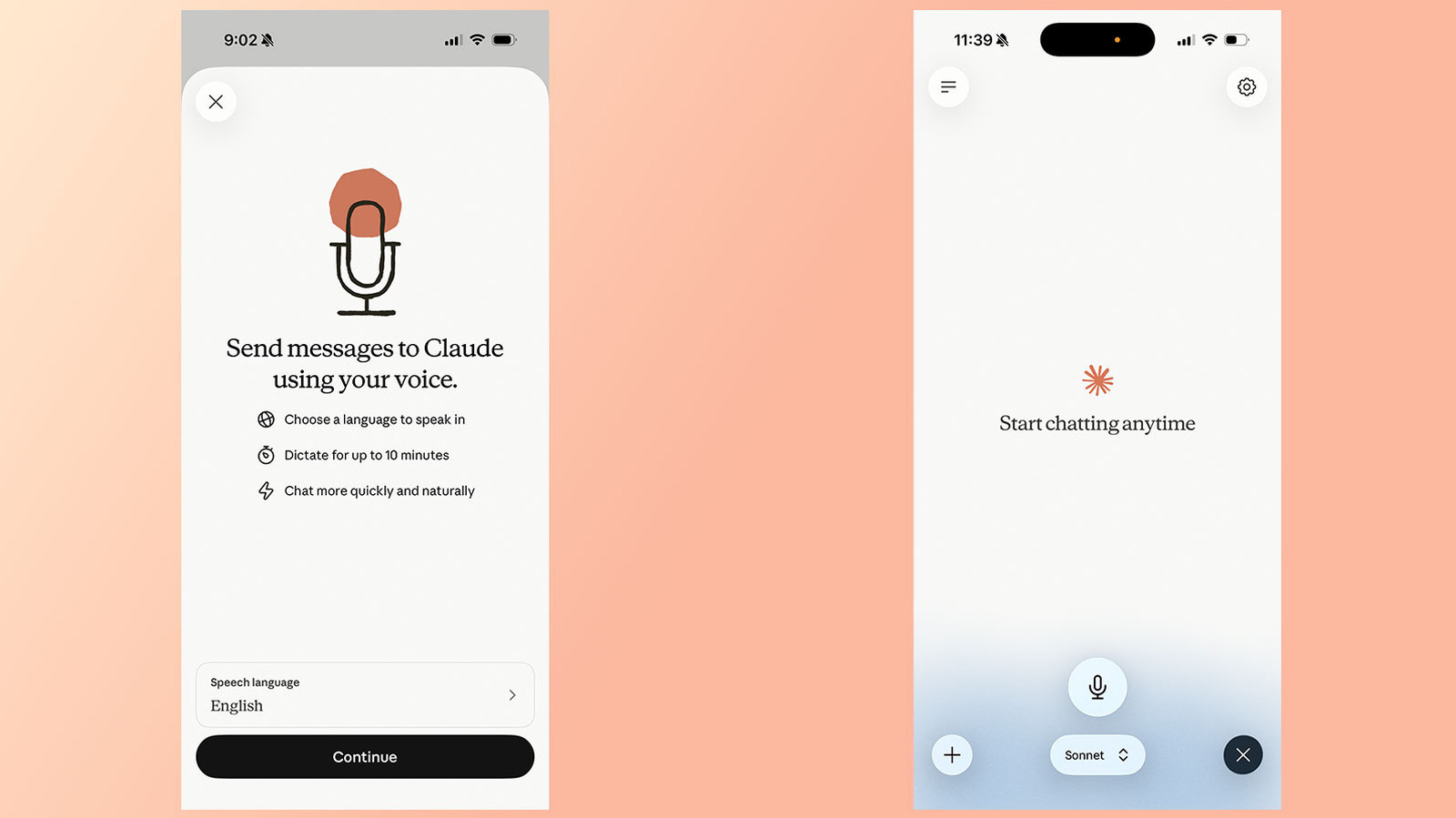
Voice is the new battleground, but not because it’s novel. Anthropic adding a "vocal" toggle to Claude isn't a breakthrough; it's a survival instinct. The Engadget piece frames it as a feature, but the real signal is that conversational AI has officially entered the commodity phase. If you have to write a "how-to" for talking to a chatbot, the interface has already won.
This matters because it signals a strategic pivot. Anthropic is no longer just competing on raw reasoning benchmarks; they're fighting for the ambient layer of your daily workflow. By enabling voice, they're acknowledging that the keyboard is a bottleneck. This connects directly to the broader hardware push—from AI pins to smart glasses—where the prompt is spoken, not typed. Claude is hedging its bets, ensuring it's not left mute in a post-screen world.
The deeper implication? Voice mode turns Claude from a tool you query into a presence you converse with. That's a psychological shift, not just a UX update. It blurs the line between utility and companionship, a line that will define the next decade of AI ethics and product design.
The text box was a safe harbor. Now, Claude is learning to speak—and the silence of the keyboard is the loudest statement yet.