How to easily factory reset your Fitbit
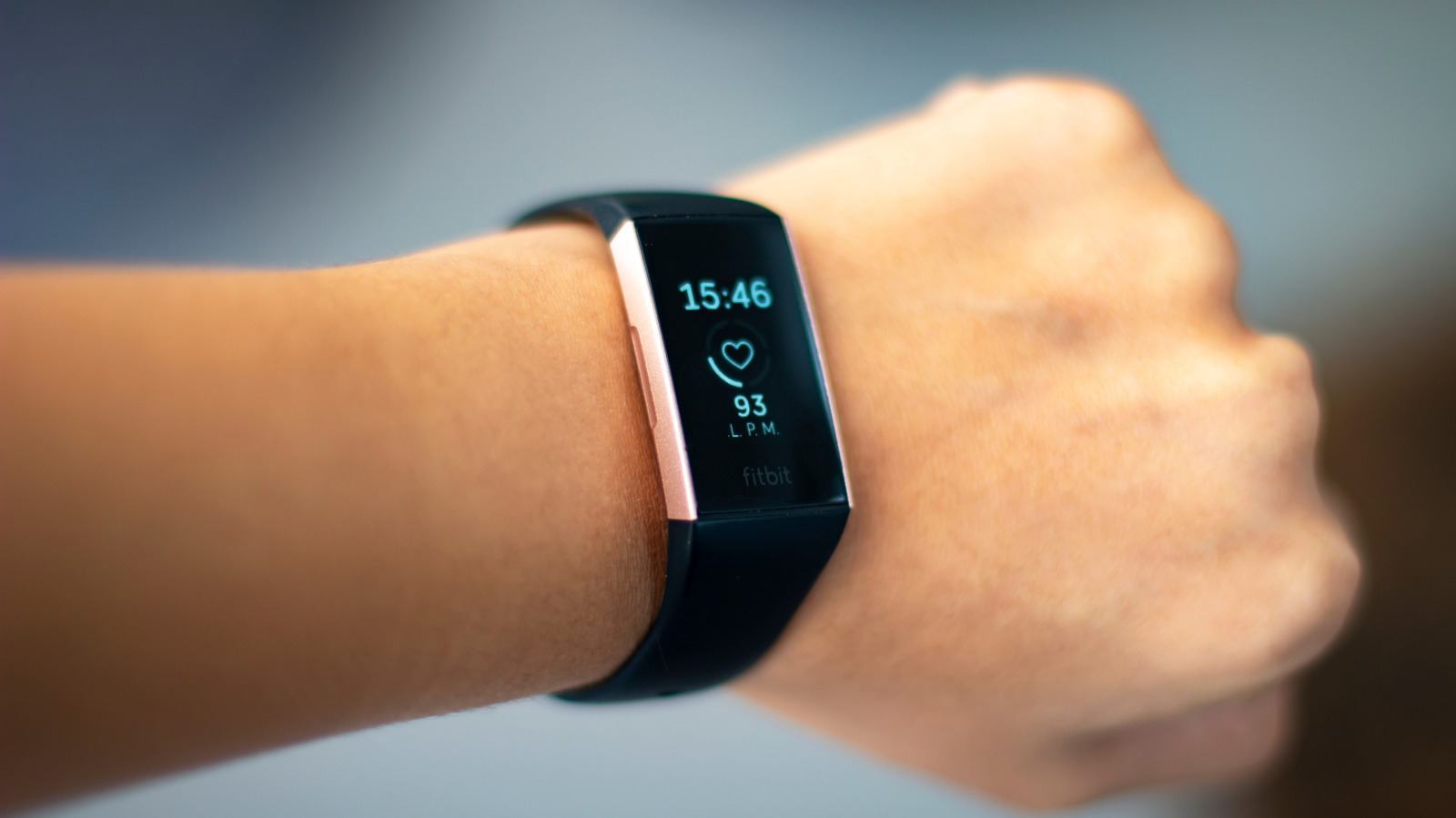
The most underrated step in any device's lifecycle is knowing how to wipe it properly. Fitbit users probably restart their trackers more often than they realize, and that's fine for a frozen screen or a dead battery. But a factory reset is a different animal, and the article is right to draw the line. The real stakes are the health data sitting on that band, steps, sleep patterns, heart rate. If you're handing the device to a friend or selling it online, a restart leaves all of that intact.
What I'd want to know next is how the reset behaves across the current lineup. Older models had a straightforward button sequence, while newer ones route through the app, and the difference matters if you're trying to troubleshoot a device that won't pair. The article could go deeper there, but the core message holds: know which action you're taking and why.
I think the practical takeaway is simple. Restart when something misbehaves, factory reset when the device changes hands. That distinction saves you from losing data you wanted to keep, and from leaking data you meant to erase.