ScreenCursor
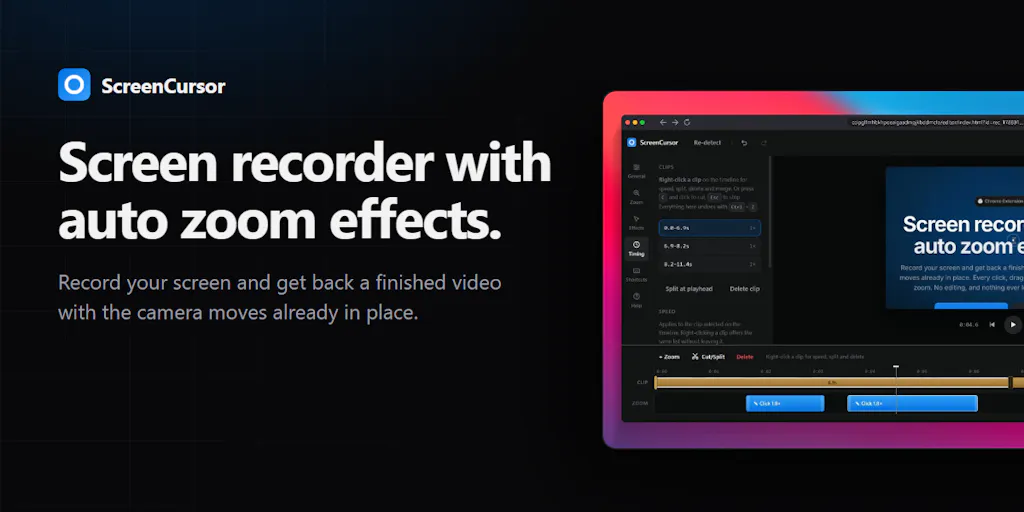
Anyone who has ever spent twenty minutes adding zoom keyframes to a two-minute screen recording of a boring button click just winced reading this. ScreenCursor removes that whole second pass in the editor by reading cursor movement and applying the zoom automatically. That's the kind of small, specific pain that people actually pay to have solved.
The broader shift is obvious once you see it. The creation stack is moving from tools that give you full control to tools that give you back your time. For founders churning out Loom-style walkthroughs or product demos, the difference between recording and shipping is what matters, not whether the zoom landed on frame 74. If the tool gets it wrong, you can still fix it, but the default should be that the tedious part just happens.
I'd want to know where the line is drawn. Is it purely cursor-driven, or does it get confused during long pauses or when someone reviews code with the mouse parked in the corner? But as far as first problems go, this one is well targeted. A demo with one clean pass through the editor beats a demo that requires three. That's just math.