Android stuck in Safe Mode? Here's how to turn it off
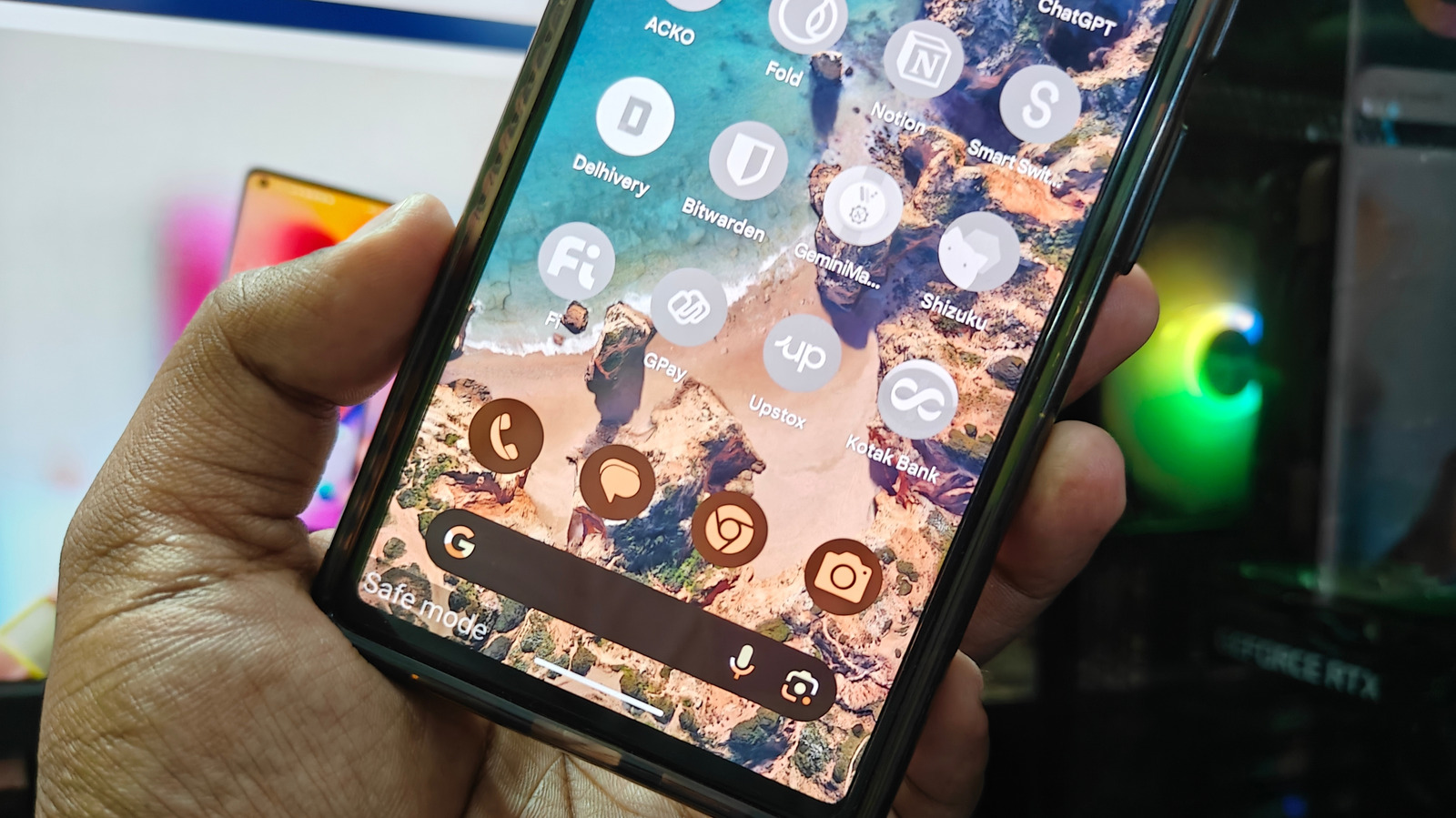
Safe Mode is one of Android’s most useful yet least-understood features. It’s a built-in troubleshooting environment that loads only system apps, allowing users to isolate problematic software. But for the uninitiated, stumbling into it can feel like a system failure—especially when the home screen looks stripped down and familiar apps vanish. This article correctly treats the exit process as trivial, because for most devices it is: a simple restart usually suffices, or a quick swipe of a notification. The real challenge isn’t technical; it’s informational.
This story fits a larger pattern in consumer tech: the gap between how powerful our devices are and how little we understand their basic recovery mechanisms. Companies ship sophisticated operating systems with hidden safety nets, yet rarely explain them proactively. When something goes wrong, users often resort to drastic measures—factory resets, carrier visits, or buying new devices—when a 30-second fix exists. Engadget’s guide is a small but meaningful antidote to that knowledge gap, reinforcing the idea that troubleshooting should be approachable, not arcane.
That said, the article also underscores a subtle truth about Android’s fragmentation. Safe Mode can be triggered differently across manufacturers—some use the power menu, others rely on key combinations during boot, and a few even offer a notification shortcut. A universal “how to” necessarily glosses over these variations, which is fine for the common case but worth noting for power users. The underlying lesson is that Android’s flexibility comes with inconsistency; a fix that works on one device may not be exactly the same on another.
Still, the core message resonates beyond Safe Mode: most everyday tech problems have simple, repeatable solutions. The industry loves to sell complexity, but the best user experiences are often those that make complexity disappear. Guides like this remind us that we are not at the mercy of our devices—we just need to know where to look. And sometimes, that’s just a few taps away.