How to fix iMessage "Not Delivered" error on iPhones
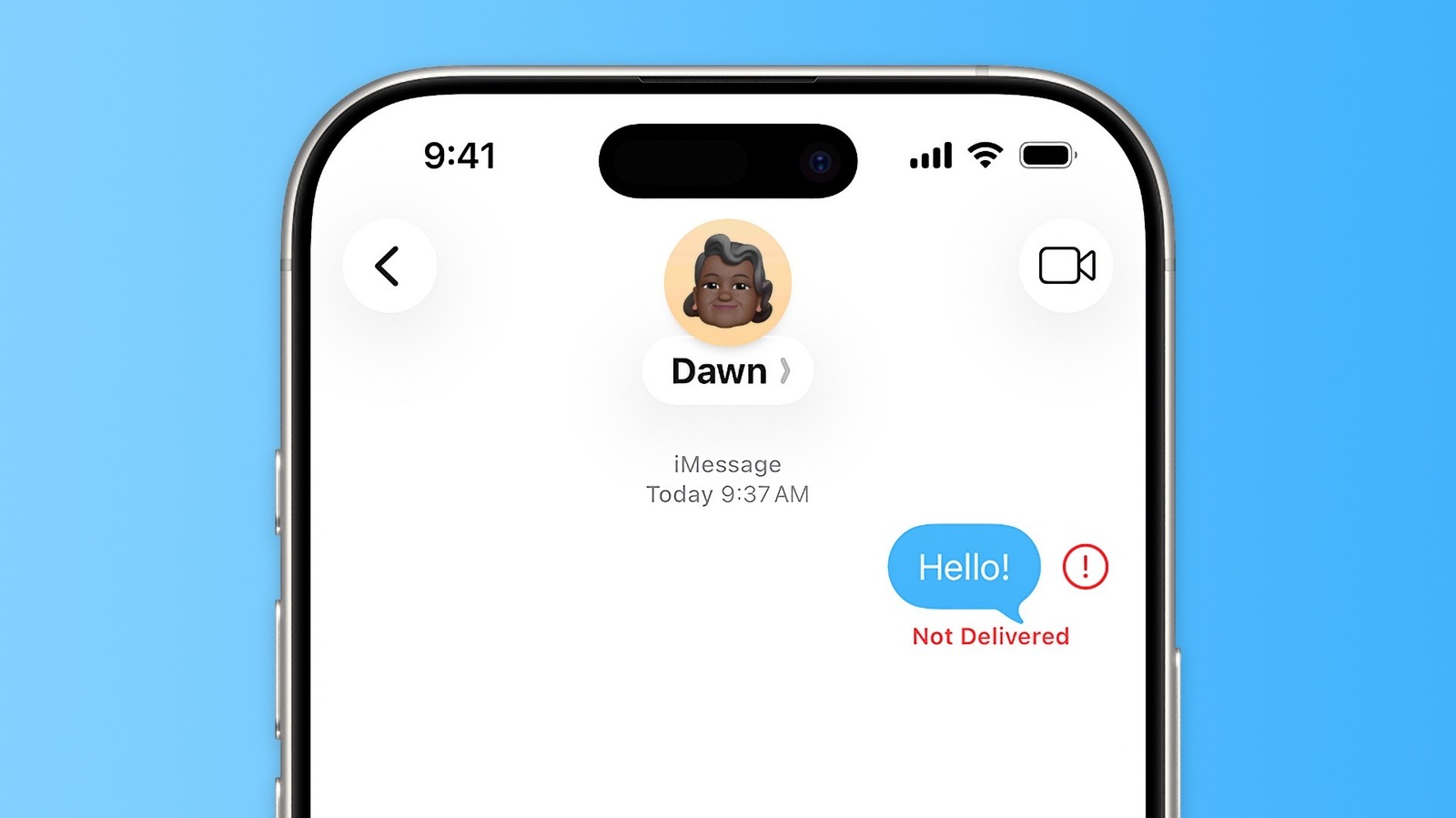
The most telling detail in this guide is that none of the fixes are clever. Airplane Mode, restart the phone, reset network settings. These are the same moves we've been making on smartphones for a decade, and they still apply to Apple's supposedly frictionless iMessage. The "Not Delivered" error is a reminder that the gold standard is still software running over radio waves, and the invisible plumbing clogs like anyone else's.
I appreciate that the article doesn't pretend there's a single culprit. Flaky connections, disabled toggles, glitches, outages. The practical part is the fallback to SMS or RCS, which is the real safety net. When the proprietary system fails, the old standards are what save you.
What I'd want to know next is how often server-side outages actually cause this versus user-side settings, because Apple tends to stay quiet about the former. But the broader lesson is humbling: the most seamless experience you've ever had probably involved someone, somewhere, toggling something off and on again.