How to adjust the Liquid Glass effect on your iPhone with iOS 27
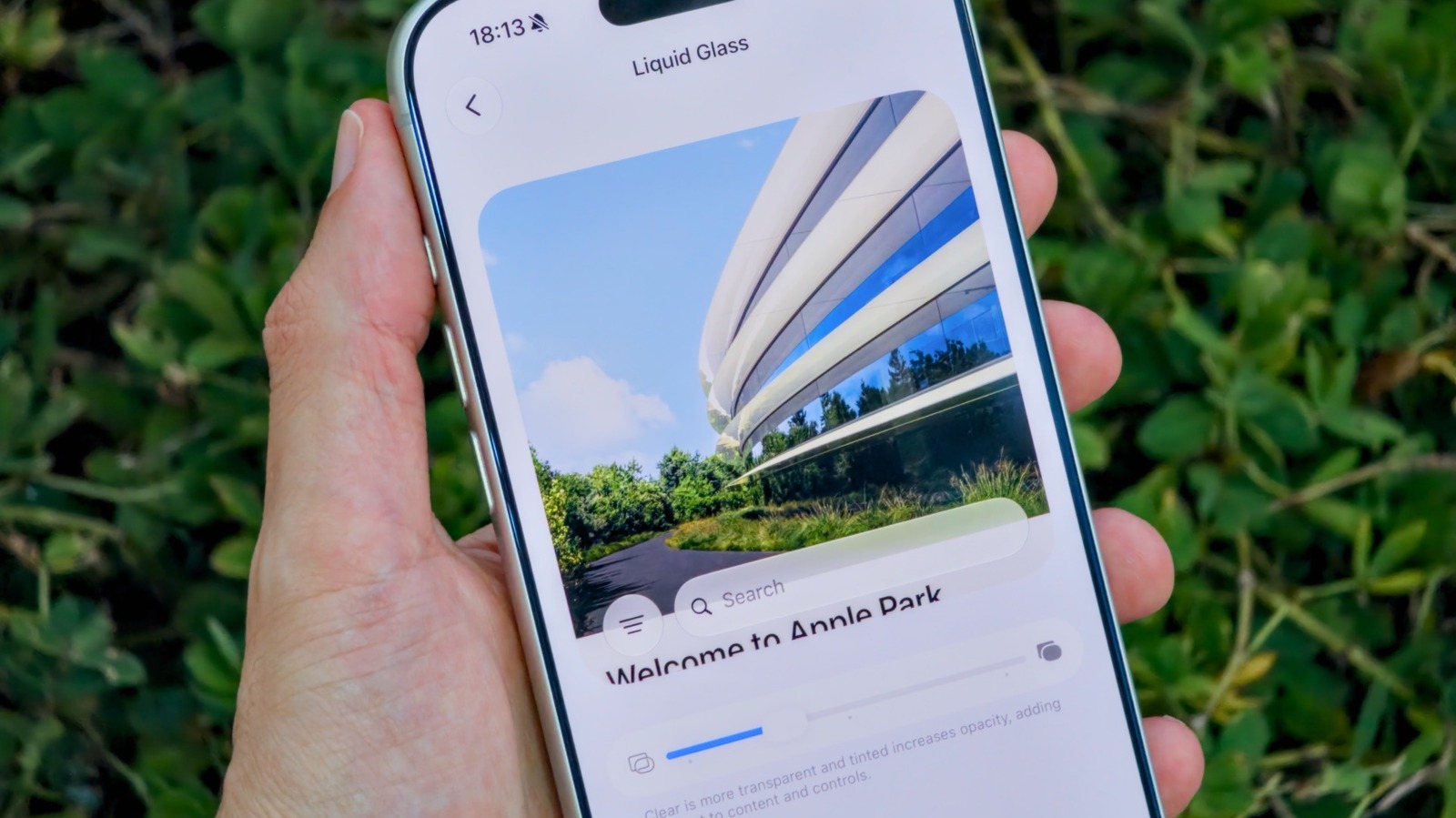
The arrival of Liquid Glass customization in iOS 27 is more than a minor UI tweak—it's a quiet admission that Apple's design language, once celebrated for its uniformity, has begun to chafe against the reality of diverse user preferences. For years, the glassy translucency that defines iOS 7 and beyond has been a visual signature, but also a source of accessibility and legibility frustrations. By exposing sliders for opacity, blur, and tint, Apple is effectively saying: "We trust you to make the interface yours." That's a philosophical pivot, not just a feature addition.
This move also fits a broader trend in Apple's recent releases—from customizable lock screens in iOS 16 to per-app appearance settings in iPadOS—where the company is slowly ceding control over the "perfect" default. It's a pragmatic response to user feedback, but it also risks fragmenting the cohesive experience that Apple has long used as a differentiator. The challenge is to offer flexibility without descending into the chaotic sprawl of Android's theming ecosystem. The key will be whether these controls are discoverable and whether they degrade performance on older devices.
From a developer perspective, this is also a signal. If Apple is allowing users to tweak the system-wide glass effect, it might soon expose similar APIs for third-party apps, enabling deeper integration of adaptive materials. That could open a new wave of design possibilities—but also a new wave of inconsistent app experiences. The source article from Engadget highlights the step-by-step process, but the deeper story is about Apple's evolving relationship with user agency. As the company matures, it's learning that "it just works" sometimes means "it works for you, not for me."
Ultimately, the Liquid Glass adjustments are a small but telling example of how Apple is listening to the long tail of user feedback. It's not a revolution, but it's a welcome acknowledgment that even the most polished design can benefit from a human touch. Whether this sets a precedent for more radical customization in future updates remains to be seen, but it's a step toward a more inclusive iOS.